Showing posts with label Components. Show all posts

Day 14 - Universal Serial Bus (Part 2)

Types

There are 3 types of connectors, A, B and C.

Type-A

Probably the most common one of all three. It is used on almost all flash drives, power adapters, accessories and even speaker. It shape is rectangular and backward compatible for all versions. There are also mini-A and micro-A USB, but peripherals that uses this standard is very rare.


Type-B

USB Type B is less common. It is more squared compared to other types. It is usually used on printers and scanners. 3.0 ports supports backward compatible, but the 3.0 connector won't work in 2.0 port. It also has two smaller versions called mini-B and micro-B, which people can use it to charge small electrical appliances and older phones.


From left to right: Standard-B, Mini-B, Micro-B, Micro-B USB 3.0 and Standard-B USB 3.0.

Standard-B is used to connect large peripherals such as printers or scanners. Mini-B use to connect older portable devices while micro-B use to connect latest portable devices. The 3.0 versions of standard-B and micro-B are just upgraded to a faster speed.

Type-C

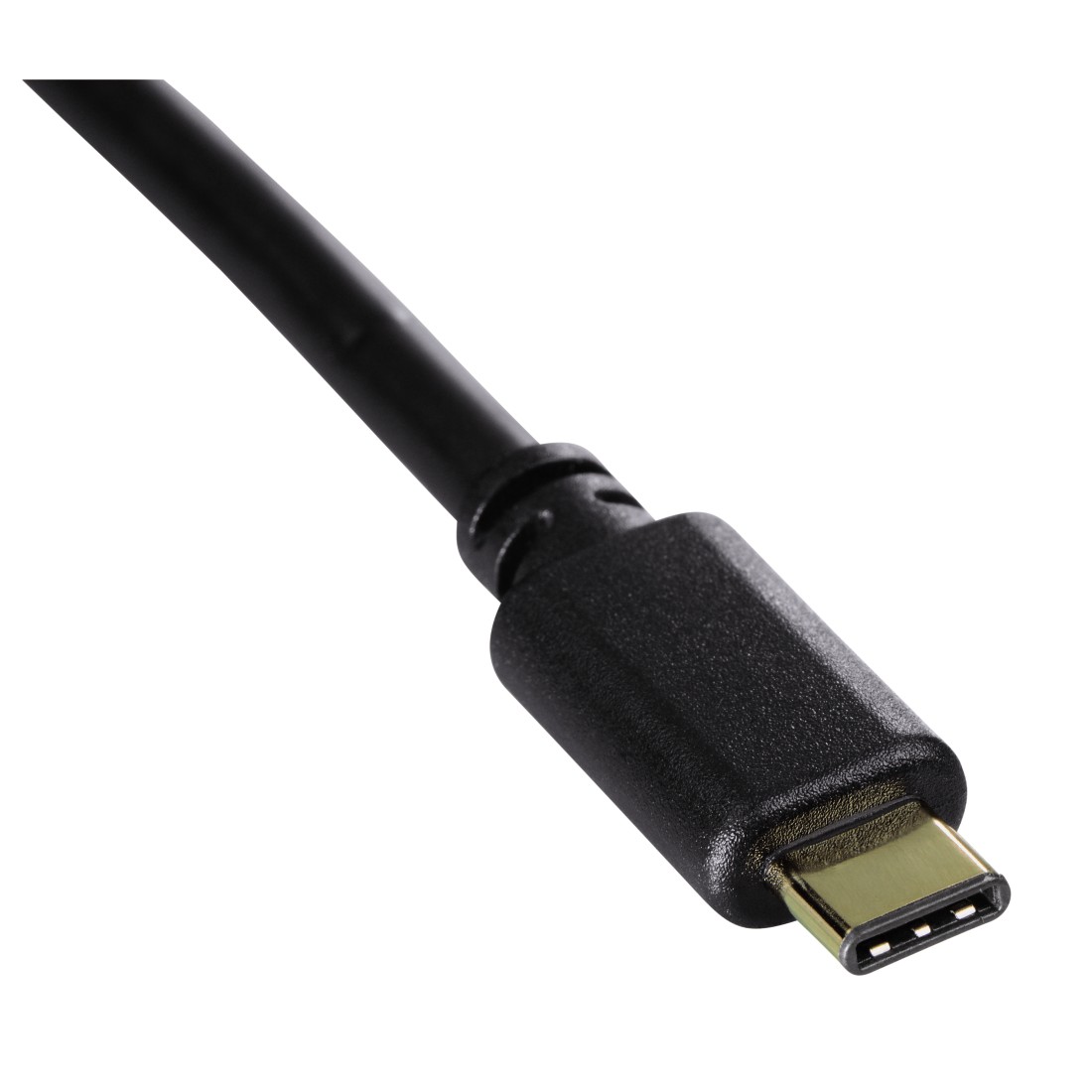
USB Type C is the latest standard. It is rarely used on a computer but more to mobile devices for chargers. USB Type C is tiny as it is only one third of an USB Type A. The feature that is most noticeable for Type C is that it do not have specified orientation, so user can plug it without worrying the USB is plugged upside-down.

This article is referred from Wikipedia's USB article.

Day 13 - Universal Serial Bus (Part 1)

Description

Universal Serial Bus (USB) is a standardized connector that replaced a lot of other older connectors such as PS/2. Game Port and Parallel Port. It provides connection and data transferring, as well as power supply to portable devices.

Version

Different version have different transfer speed. It is easy to determine the version of the USB by looking at the color code on the connecter. Blue color coded USB are usually 3.0 or 3.1 while other colors are usually below 3.0. Also, USB 3.0 or above should have the word SS in front of the logo to represent Super Speed.

Speed

The speed of USB is determined by it's respective versions. There are 4 major versions which is 1.0, 2.0, 3.0 and 3.1.

There are two types of USB version 1.0 which is Low Speed (1.5 Mbit/s) and Full Speed (12 Mbit/s). 2.0 brings High Speed delivering 480 Mbit/s of data transfer. Version 3.0 speed is 10 times faster (5 Gbit/s, SuperSpeed) than version 2.0 and version 3.1 is twice as fast as version 3.0 (10 Gbit/s, SuperSpeed+)

This article is referred from Wikipedia's USB article.

Day 3 - Common video ports

Introduction
There are a lot of video output connectors, this post will briefly introduce 5 of the common ones and their respective features.

Composite video connector (Early 1940)

Composite video connector is specifically for television and it is always yellow in color. It is designed date back to 1940 along with the red and white audio connector. This connector uses analog to transmit signal, therefore it is very vulnerable to interference and the quality will degrade very quickly due to length of the connector. This connector can be found in older television and game consoles, although it is almost obsolete by superseded by  new HDMI and DisplayPort cable.

VGA connector (1987)

VGA is short for Video Graphics Array. It is 3-rows 15-pin DE-15 (D-sub) connector. It transmit signal using analog, therefore it is vulnerable to environmental inference and degrade with distance. This connector has a lock at both side to tighten the connection. Many monitors support VGA, as it is designed to connect to a CRT monitor. This cable is still usable even until today and some of the newer graphic card still supports VGA connector. It has a maximum resolution of 2048×1536@85Hz.

DVI connectors (1999)

DVI is short for Digital Visual Interface. It has a few types of connectors type, namely DVI-I, DVI-D and DVI-A. DVI-D and DVI-A both have single link and double link to choose from. There is also Mini-DVI and Micro-DVI but I won't talk about it here.
Digital version of these connector won't degrade much easier than analog ones. For a cable length up to 4.5 meters will work just fine with maximum resolution of 1980x1200 at single link and 2048x1536 at dual link. A DVI booster can be used to boost the signal across longer distance.

HDMI connectors (2002)

HDMI stands for High-Definition Multimedia Interface. This is a digital connector that exist in newer type of monitors and backward-compatible with DVI using a DVI to HDMI converter (Although no sound output can be made due to DVI can't transfer sound). HDMI transfer uncompressed video and audio from HDMI source. Initial HDMI version 1.0 managed to encode 1980x1200@60Hz but the latest 2.0 version (2013) managed to encode display up to 4096x2160@60Hz.

DisplayPort (2008)

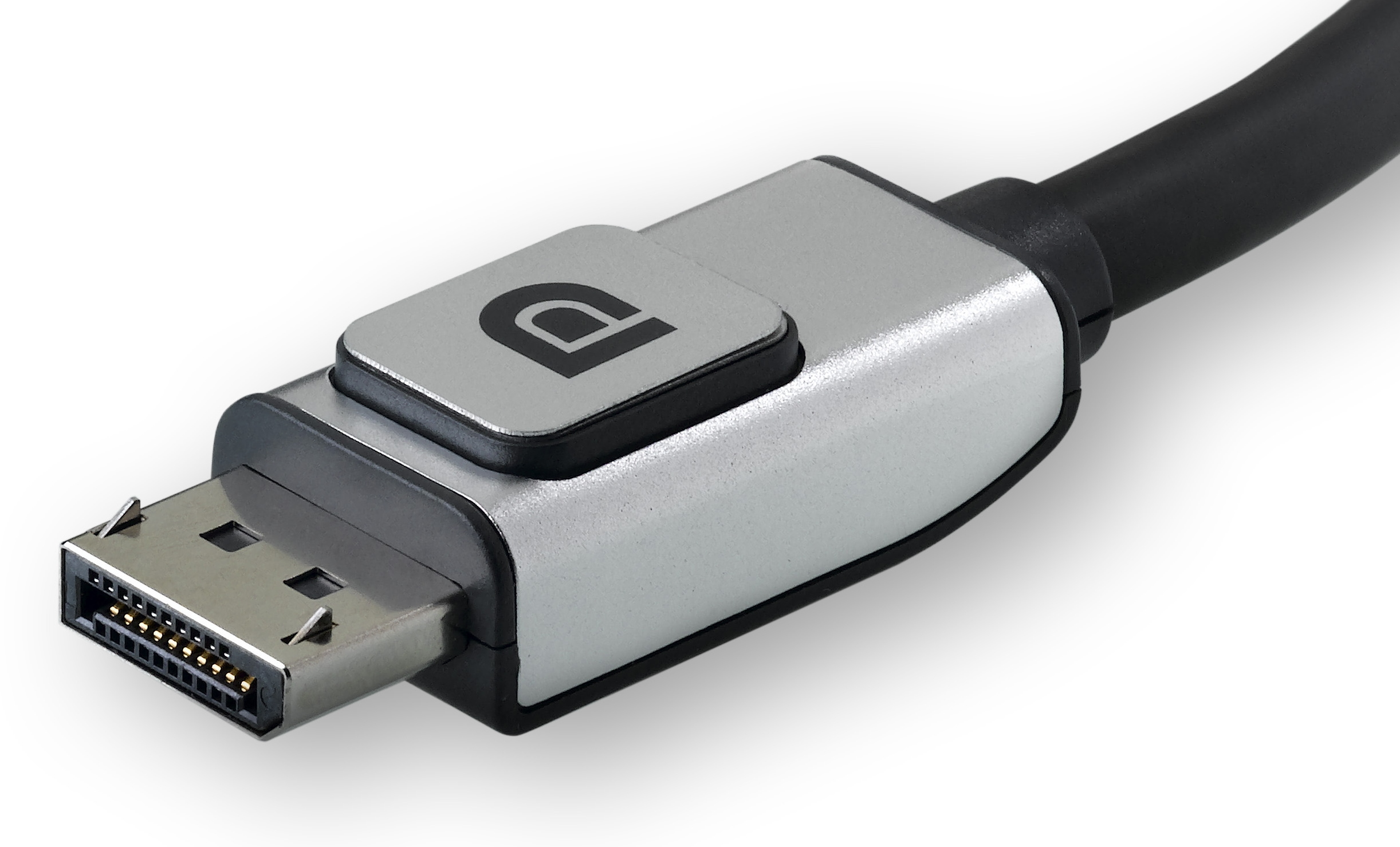
DisplayPort is a better replacement for HDMI. The latest version is 1.4, which is only published recently on March 2016. The main difference between DisplayPort and HDMI is DisplayPort has a lock, which can be locked firmly on the port to prevent accidental fall off. DisplayPort can support resolution up to 7680x4320@60Hz, which is pretty ridiculous for now. 

This article is referred from Wikipedia's Composite Video, VGA Connector, Digital Visual Interface, HDMI and Display Port articles.